
One join queue
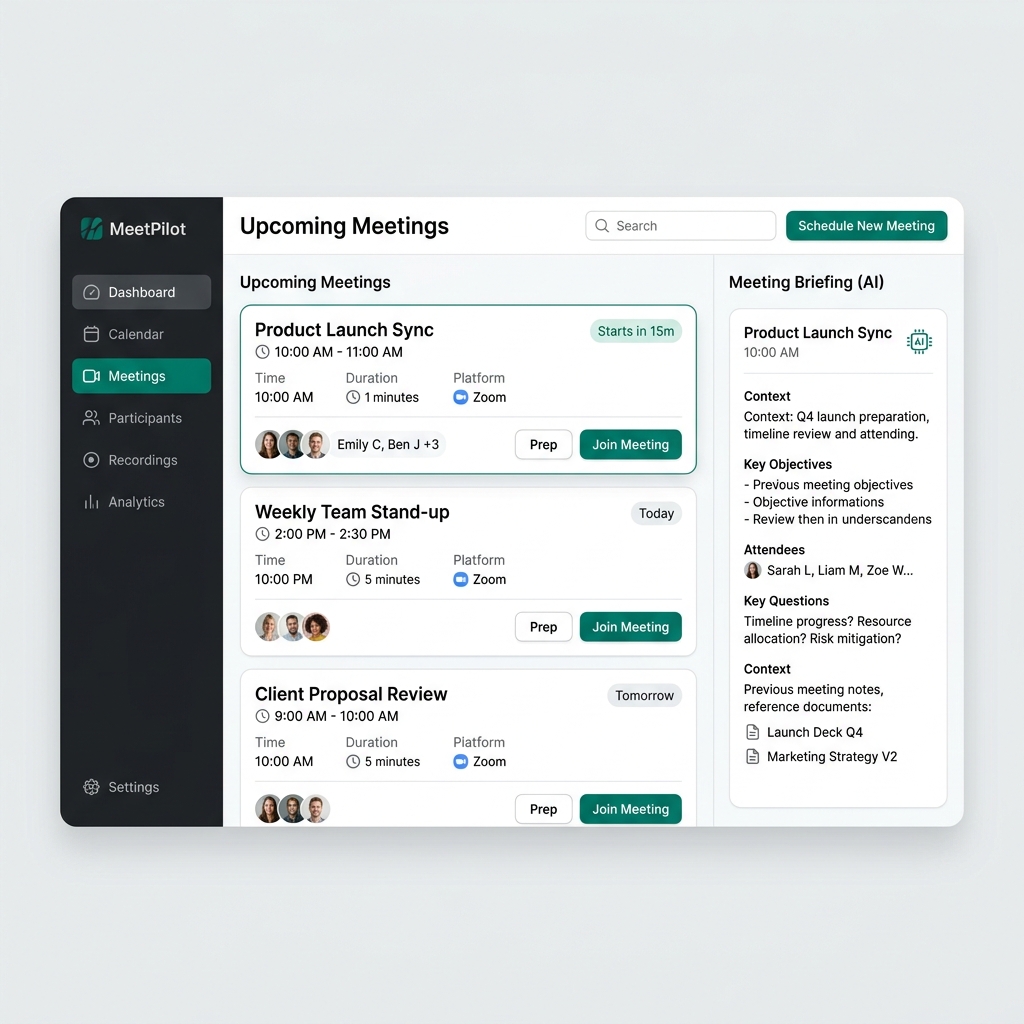
Pull meetings from every connected calendar into one timeline ordered around what is happening now.
For people with packed calendars
Omni connects the calendars you live in, finds the right Zoom, Teams, or Google Meet link, and puts the next join button where you can reach it before the meeting starts.
Product
When your day is stacked back-to-back, the problem is not knowing you have a meeting. The problem is finding the right link fast. Omni turns every calendar invite into a clear next action.
Pull meetings from every connected calendar into one timeline ordered around what is happening now.
Find Zoom, Microsoft Teams, Google Meet, and raw conferencing URLs inside messy invite descriptions.
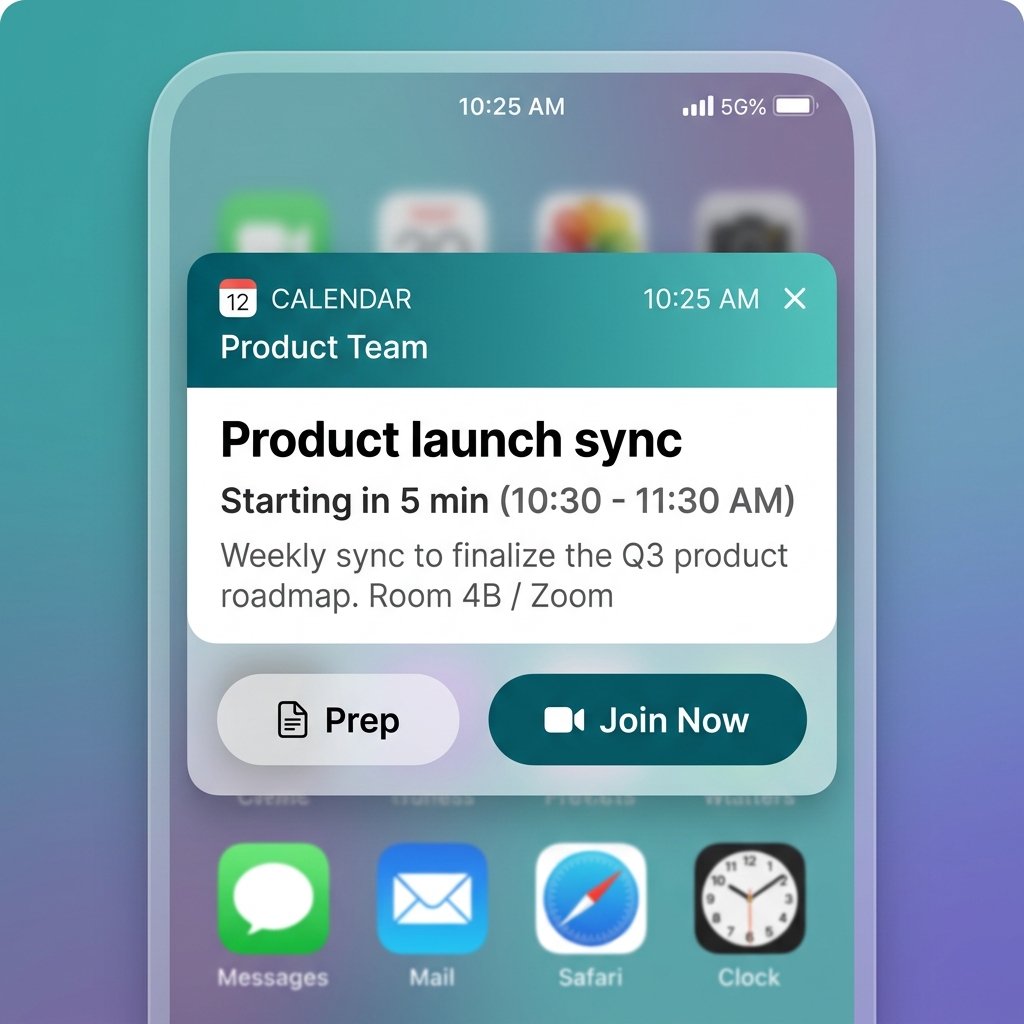
Native Windows popups put the join button in front of you instead of sending you back to your calendar.
How it works
Add the work and personal calendars that create your day.
Omni scans each invite for provider links, attendees, timing, and meeting context.
When it is time, click once from the app, day widget, or native reminder.
Desktop
Keep MeetingSpace in the browser for planning and notes. Install the Windows app when you want native reminders, a floating day view, and one-click external launch even when your browser is buried.
Pricing
Use Omni locally for your daily join flow. Pro adds cross-device sync, unlimited calendars, AI meeting briefs, and cloud-backed prep when your meeting workflow depends on it.
Free
For trying Omni on one device with a focused MeetingSpace.
Pro
Or $120/year when billed annually, equal to $10/month. For people who live in meetings across devices and calendars.
Team
For shared administration, billing, retention, and team controls.
Help
Omni connects to Google and Outlook through secure sign-in. iCal works with a private calendar feed URL.
Usually no. Google and Outlook use server-side refresh tokens so Omni can keep syncing after the first connection. You may need to reconnect if you revoke access, change account security settings, disconnect the calendar, or an admin changes consent policy.
iCal is a read-only calendar feed. Paste a private webcal, HTTPS, or ICS subscription link, and Omni fetches upcoming events from that feed. If the feed URL changes or is revoked, add the new link.
In Apple Calendar, enable sharing or public calendar and copy the webcal link. In Google Calendar, use Settings, Integrate calendar, Secret address in iCal format. In Outlook web, use Settings, Calendar, Shared calendars, Publish a calendar, then copy the ICS link.
Yes. Private iCal links can expose event details to anyone who has the URL. Omni treats them like secrets and stores feed URLs server-side only.
Download
Windows is available now with native reminders and one-click launch. The web app is available at /app.html; iOS and Android companions are on the roadmap for mobile reminders.
Native reminders, tray helper, floating day view, and one-click joins for busy calendars.
Planned companion for mobile reminders and quick joins from your phone.
Planned companion for Android notifications and mobile joins.
Use MeetingSpace anywhere for your meeting list, notes, and launch links.